If you want to grow your business online quickly, Google Ads is one of the most effective digital marketing tools available. Unlike Search Engine Optimization (SEO), which can take months to show results, Google Ads allows businesses to appear at the top of Google search results almost instantly.
Whether you’re a small business owner, freelancer, or entrepreneur, learning Google Ads can help you reach customers actively searching for your products or services. This beginner’s guide explains how Google Ads works, its benefits, campaign types, and best practices to help you launch successful advertising campaigns.
What Is Google Ads?
Google Ads is Google’s online advertising platform that allows businesses to display advertisements on:
- Google Search
- YouTube
- Gmail
- Google Maps
- Google Shopping
- Display Your Brand Across Millions of Websites on Google’s Display Network
Businesses compete for valuable keywords to attract potential customers. When someone searches for those keywords, Google determines which ads appear based on several factors, including bid amount and ad quality.
Unlike traditional advertising, you only pay when someone clicks your ad (Pay-Per-Click or PPC).

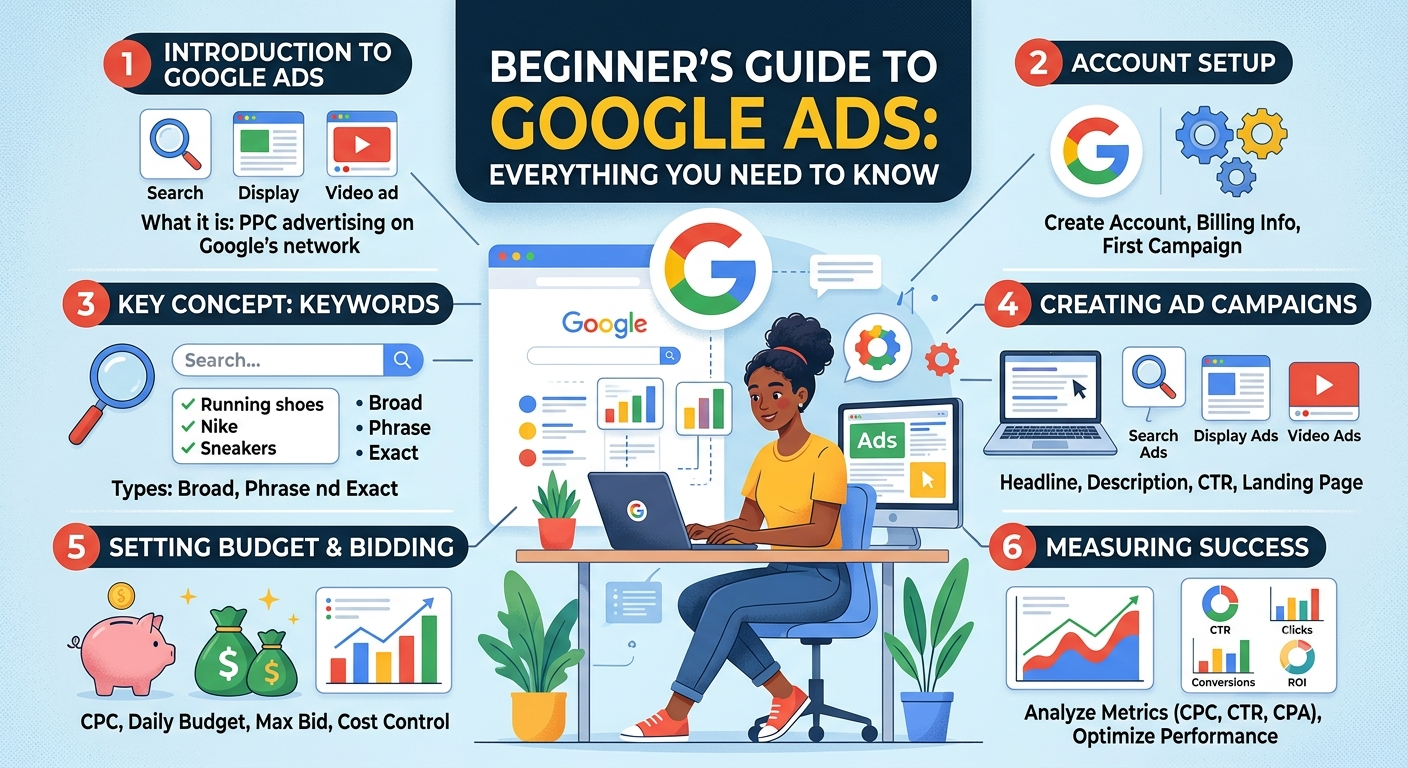
How Google Ads Works
Google Ads operates through an auction system.
Here’s a simple overview:
Step 1: Choose Keywords
Select search terms your customers are likely to use.
Example:
- Digital marketing agency
- SEO services
- Website design company
Step 2: Create Ads
Write compelling advertisements that encourage users to click.
A typical search ad includes:
- Headlines
- Description
- Display URL
- Call-to-action
Example:
Professional Digital Marketing Services
Accelerate Your Business Growth Through SEO, Google Ads & Social Media Expertise
Step 3: Set Your Budget
Google lets you choose:
- Daily budget
- Monthly budget
- Maximum cost per click (CPC)
This gives businesses complete control over advertising expenses.
Step 4: Google Runs an Auction
Every time someone searches your keyword:
- Google evaluates competing ads.
- Calculates Ad Rank
- Displays the best-performing ads
The best results come from smart optimization, not just higher spending.
Google rewards relevant, high-quality advertisements.
Understanding Google Ads Campaign Types
Google offers several campaign types for different marketing goals.

1. Search Campaigns
These ads are featured at the top of Google search results for relevant keywords.
Best for:
- Lead generation
- Service businesses
- Local companies
- Online bookings
Example:
Someone searches:
“Best SEO company near me”
Your ad appears at the top.
2. Display Campaigns
Display ads are image-based advertisements shown across millions of websites.
Perfect for:
- Brand awareness
- Remarketing
- Product promotion
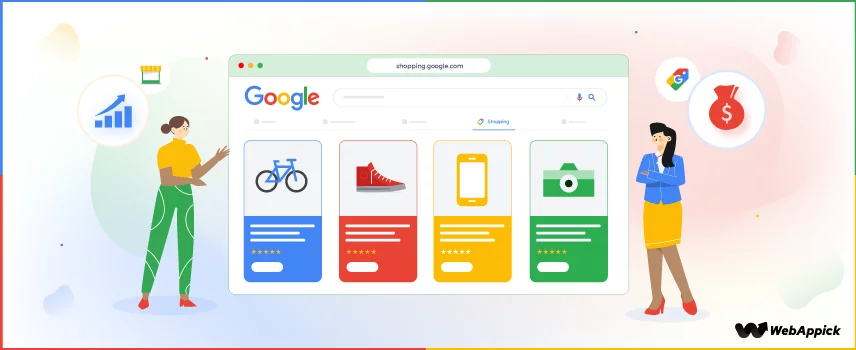
3. Shopping Campaigns
Ideal for eCommerce stores.
These campaigns display:
- Product image
- Price
- Store name
- Product ratings
Excellent for increasing online sales.
4. Video Campaigns
Video ads run on YouTube.
Useful for:
- Brand awareness
- Product demonstrations
- Tutorials
- Customer testimonials
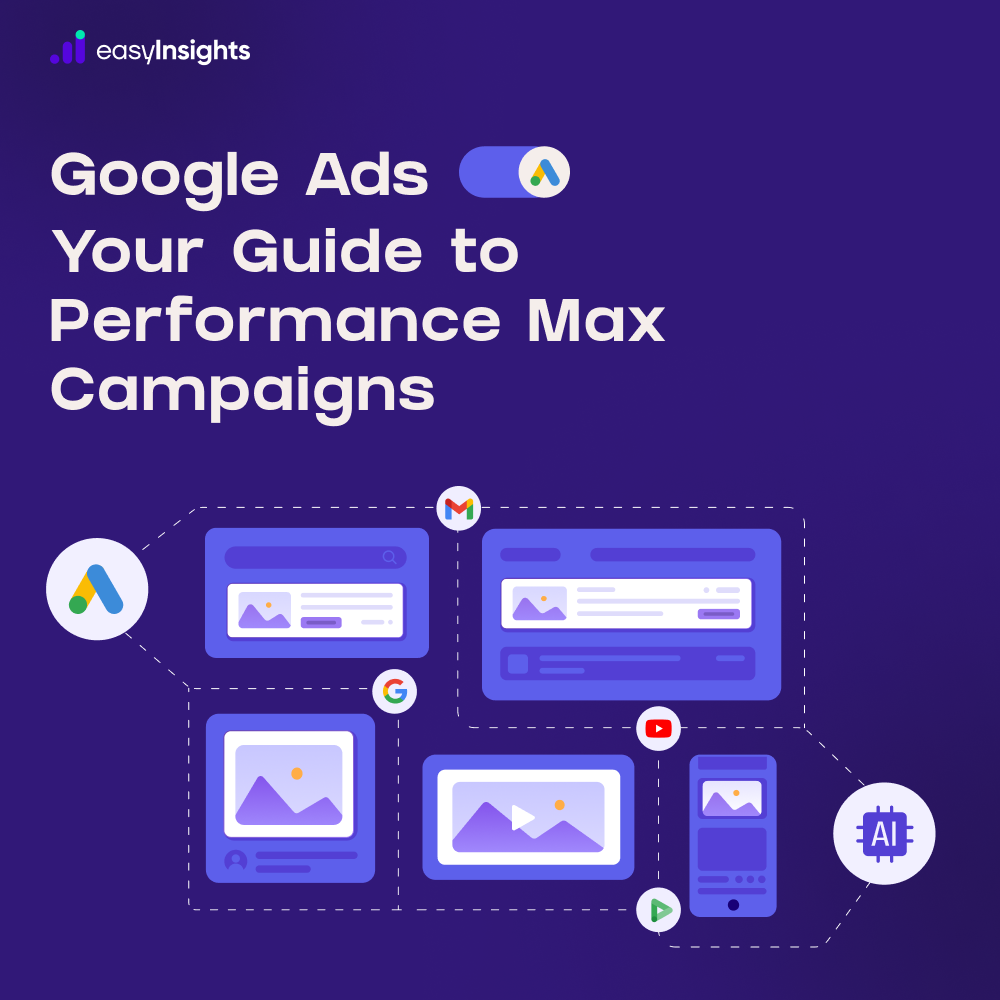
5. Performance Max Campaigns
Performance Max uses Google’s AI to display ads across:
- Search
- Display
- YouTube
- Gmail
- Maps
- Discover
It’s designed to maximize conversions using machine learning.
Benefits of Google Ads
Google Ads offers numerous advantages over traditional advertising.
Instant Visibility
Unlike SEO, which takes time, Google Ads can place your business at the top of search results within hours.
Highly Targeted Advertising
You can target audiences based on:
- Location
- Language
- Age
- Interests
- Device
- Keywords
- Time of day
his increases the likelihood of reaching customers who are interested in your offerings.
Flexible Budget
Google Ads works for businesses of all sizes.
You can start with as little as a few hundred rupees per day and scale as your campaigns perform.
Measurable Results
Track everything, including:
- Clicks
- Impressions
- Conversions
- Sales
- Cost per click
- Return on investment (ROI)
This makes it easier to optimize campaigns for better performance.
Fast Lead Generation
Businesses can generate:
- Phone calls
- Contact form submissions
- Website visits
- Product purchases
within days of launching a campaign.
Important Google Ads Terminology
Understanding these terms helps beginners manage campaigns effectively.
Keywords
Words people type into Google.
Example:
- SEO agency
- Digital marketing company
CPC (Cost Per Click)
The amount you pay whenever someone clicks your ad.
CTR (Click-Through Rate)
- Evaluates how effectively your ad encourages users to click.
Higher CTR usually indicates more relevant ads.
Conversion
A desired action taken by a visitor.
Examples include:
- Purchase
- Contact form submission
- Phone call
- Newsletter signup
Quality Score
Google rates your keywords from 1–10.
A higher Quality Score can:
- Reduce advertising costs
- Improve ad rankings
- Increase visibility
Google Ads for Beginners: How to Create Your First Campaign
Follow these simple steps.
Step 1: Define Your Goal
Choose what you want to achieve.
Examples:
- Website traffic
- Sales
- Leads
- Brand awareness
- App downloads
Step 2: Research Keywords
Use keyword research tools to find:
- High search volume
- Low competition
- Buyer intent keywords
Focus on keywords your customers actually search.
Step 3: Write Compelling Ads
Your advertisement should include:
- Primary keyword
- Clear benefit
- Strong call-to-action
Example:
Need Professional SEO Services?
Increase Your Rankings & Generate More Leads. Get a Free Consultation Today.
Step 4: Create Landing Pages
Don’t send users to your homepage.
Instead, create dedicated landing pages focused on one product or service.
Landing pages typically improve conversion rates.
Step 5: Launch Campaign
Review everything before publishing:
- Budget
- Keywords
- Target audience
- Ad copy
- Landing page
Once approved, Google begins showing your ads.
Tips for Google Ads Success
Beginners often waste money by making avoidable mistakes.
Here are proven tips:
Focus on Search Intent
Choose keywords people use when they’re ready to buy.
For example:
“Hire an SEO expert”
is more valuable than
“What is SEO?”
Use Negative Keywords
Prevent irrelevant clicks.
Example:
To attract the right audience for premium software, consider excluding:
- Free
- Download
- Crack
This reduces wasted ad spend.
Improve Quality Score
Increase Quality Score by:
- Writing relevant ads
- Improving landing pages
- Using targeted keywords
- Increasing CTR
Monitor Campaign Performance
Regularly review:
- Clicks
- Conversions
- Cost per conversion
- Search terms
- Bounce rate
Optimization leads to better ROI.
Test Different Ads
Create multiple ad variations.
Experiment with:
- Headlines
- Descriptions
- Calls-to-action
Pause underperforming ads and keep improving your best performers.
Common Google Ads Mistakes to Avoid
Many beginners make these costly errors:
- Choosing overly broad keywords
- Ignoring negative keywords
- Sending traffic to the homepage
- Not tracking conversions
- Setting unrealistic budgets
- Failing to optimize campaigns regularly
- Writing weak ad copy
- Targeting the wrong audience
Avoiding these mistakes can significantly improve campaign performance.
Google Ads vs. SEO
| Instant traffic | Long-term growth |
| Paid advertising | Organic traffic |
| Immediate visibility | Gradual rankings |
| Budget required | Time investment |
| Stops when ads stop | Continues generating traffic |
For many businesses, the best strategy is to combine Google Ads for immediate results with SEO for sustainable, long-term growth.
Conclusion
Google Ads is one of the fastest and most powerful ways to attract customers online. Whether your goal is to increase website traffic, generate qualified leads, or boost sales, the platform provides flexible targeting, measurable results, and scalable campaigns to suit businesses of any size.
As a beginner, start with a clear objective, choose relevant keywords, write compelling ad copy, and continuously monitor your campaign performance. Small improvements over time can lead to significantly better results and a stronger return on investment.
If you’re looking to accelerate your business growth, Google Ads can be an excellent investment when managed strategically. Pairing it with a strong SEO strategy creates a balanced digital marketing approach that delivers both immediate visibility and long-term success.
SEO Meta Title: Beginner’s Guide to Google Ads: How to Create Successful PPC Campaigns
Meta Description: Learn the basics of Google Ads with this beginner-friendly guide. Discover campaign types, keyword research, budgeting, optimization tips, and best practices to drive traffic and grow your business online.